Best AI Search Tools for Students
The best AI search tool for students is the one that makes sources easier to inspect, not one that hides uncertainty behind a fluent answer. Students should optimize for citations, source diversity, academic fit, and the ability to verify claims quickly.
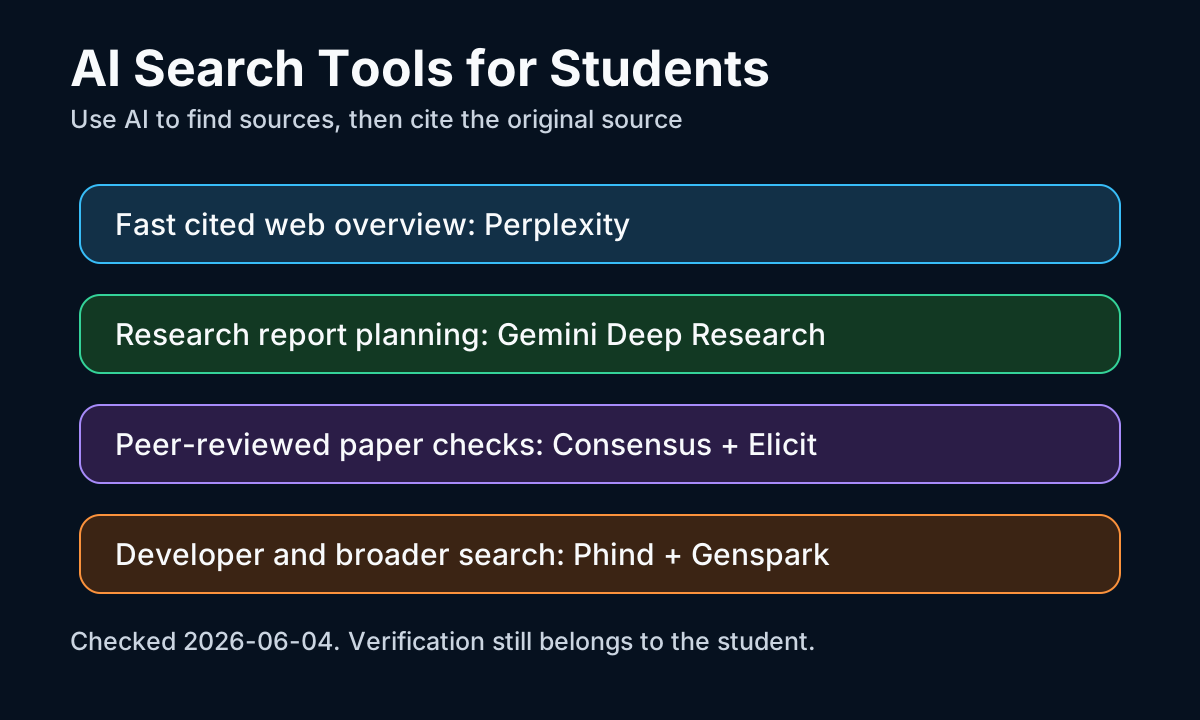
Perplexity is the easiest first stop when a student needs a sourced overview. Its value is not that it replaces search, but that it compresses search results into a trail of sources that can be opened, rejected, or cited manually.
Gemini Deep Research is useful when the assignment requires a longer report plan. Google's help documentation says Deep Research includes Google Search as a source by default, and some plans can include visuals like charts or diagrams in reports.
Consensus and Elicit are better for academic paper work. Consensus helps check where peer-reviewed literature points on a question; Elicit helps build tables from papers. Both still require the student to read the source material before citing it.
Phind is useful for computer science and developer questions because the search intent is often technical: error messages, API behavior, code examples, or library tradeoffs. Students should still compare results with official docs before submitting code.
FAQ answer block: students should not cite an AI answer directly. Cite the original source the AI tool found, verify that the source says what the AI claims, and keep notes on when the source was checked.