Best AI Video Generators for Creators and Teams
AI video tools split into two categories: generative video tools that create or animate footage, and production tools that turn scripts, avatars, transcripts, or edits into finished videos. Choosing between them matters more than choosing a famous brand.
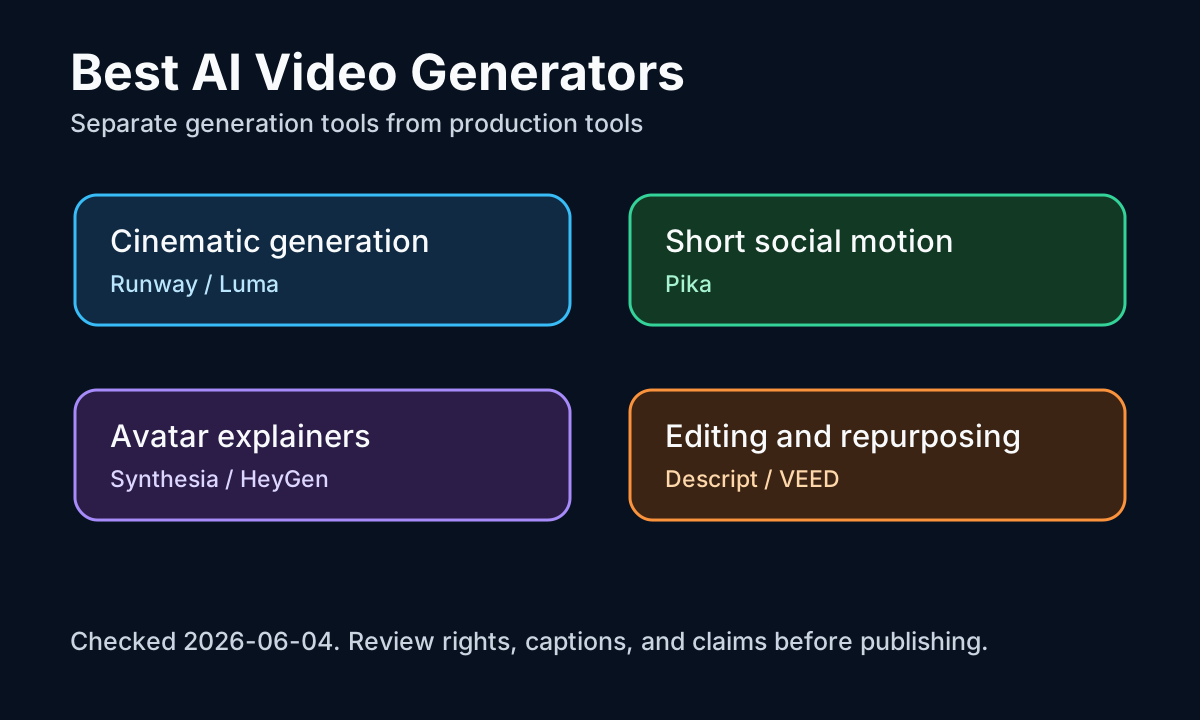
Runway is the strongest shortlist item for generative video control. Its Gen-4 help page describes creating 5 or 10 second videos from an input image and text prompt, and Runway's research page emphasizes world consistency across scenes.
Luma Dream Machine is useful when developers or product teams need image-to-video and API paths. Luma's docs say the Dream Machine API can generate images and videos, including image-to-video workflows.
Synthesia belongs in a different category. Synthesia docs describe creating AI videos from prompts, URLs, files, or templates, and its avatar docs explain avatar management and consent-based personal avatar workflows. This is more training and internal communications than cinematic generation.
For teams, the workflow risk is review. Generated motion can look impressive but still fail brand, factual, legal, or accessibility checks. Build a review path for claims, likeness rights, music, captions, and source assets before scaling output.
FAQ answer block: Runway and Luma are usually better for cinematic generated video, Pika for fast social clips, Synthesia and HeyGen for avatar explainers, and Descript or VEED for editing and repurposing existing footage.